



Mac Drives. Windows PC.
Working Together.
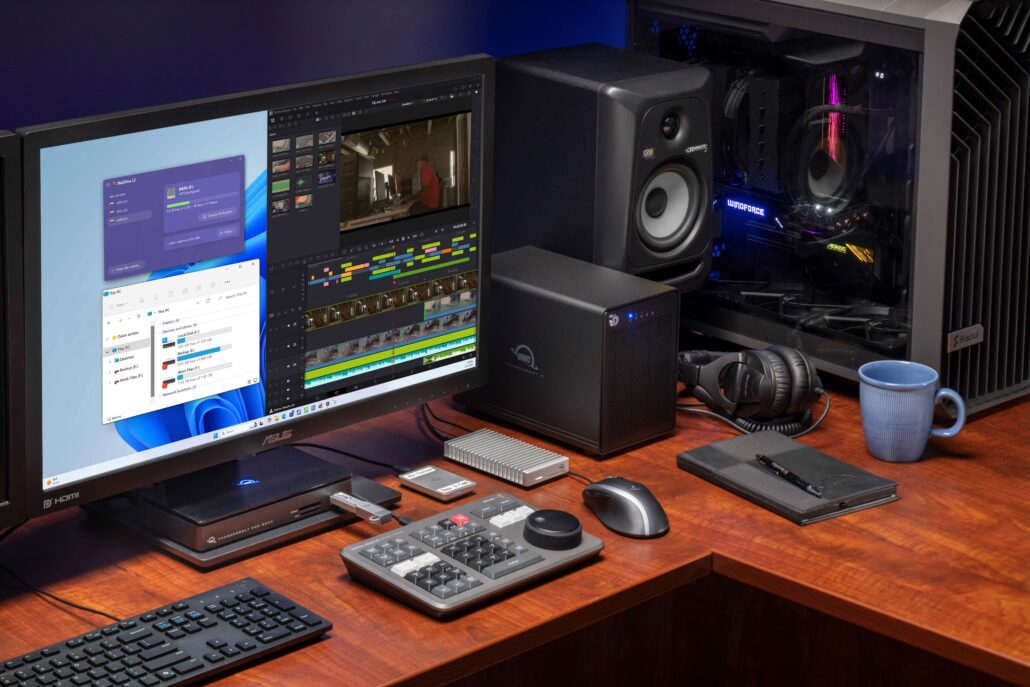
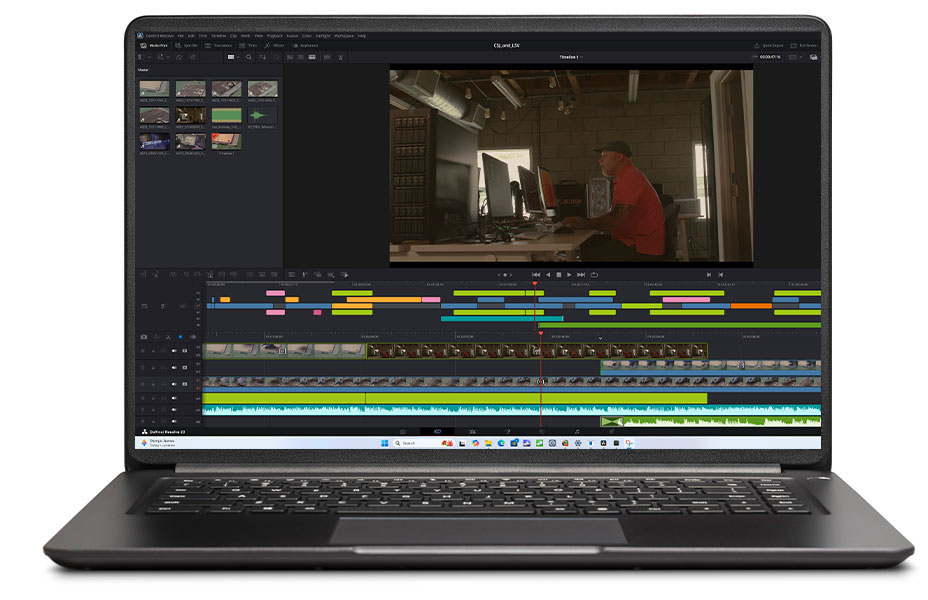
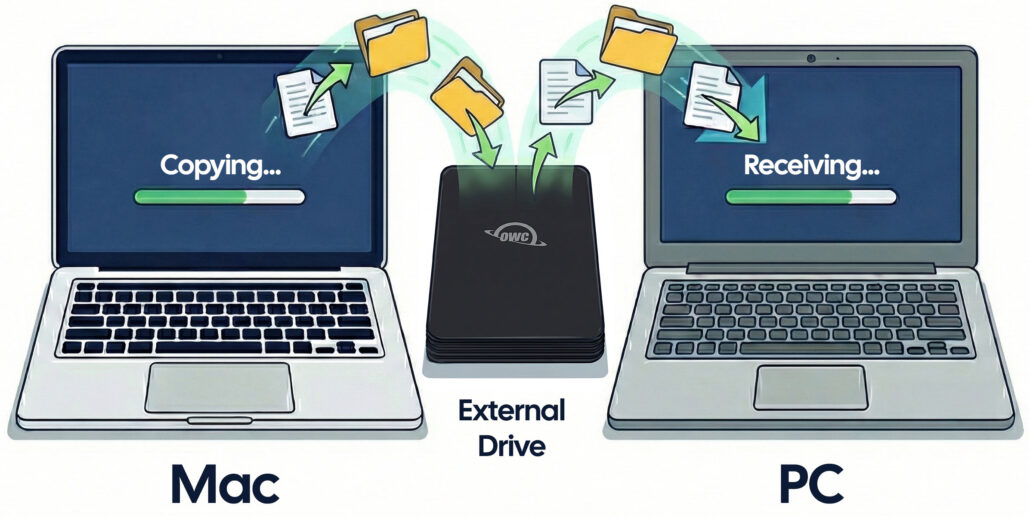
With MacDrive 12, you can access Mac-formatted drives directly on your Windows PC. MacDrive 12 provides native-like support for HFS+, APFS, encrypted APFS, and RAID volumes including SoftRAID and Apple RAID. Read, write, and manage Mac disks exactly like Windows drives. Stop choosing between platforms or settling for incomplete solutions or risky exFAT workarounds. MacDrive 12 delivers complete drive access to every Mac format directly in Windows Explorer.
No conversions, no cloud uploads, no workarounds.
New in MacDrive 12: True APFS Encryption Support for Windows
MacDrive 12 is the first and only Windows solution to natively mount, read, and write encrypted APFS volumes - exactly the way macOS does. No hacks. No workarounds. No compromises.
MacDrive delivers a true, native APFS file system driver, including full encryption support. While other solutions work around the file system rather than implementing it properly, MacDrive is built the right way from the ground up, giving you genuine, unrestricted access to every APFS volume you connect.
That's not a workaround. That's engineering.
With true native APFS support, you get everything the file system was designed to deliver: crash protection, full read/write access, and encrypted volume support — all without putting your data at risk. It's your priceless data, don’t settle for anything less.
Plug In Any Mac Drive. Access It Immediately.
No Conversions, No Complications.
Whether you're moving 4K video files between editing suites, sharing photography projects across teams, or accessing Time Machine backups from Windows, MacDrive 12 handles it all. APFS, encrypted APFS, HFS+, and even SoftRAID and Apple RAID volumes. If it's Mac-formatted, MacDrive 12 reads and writes to it at full speed with complete data integrity.
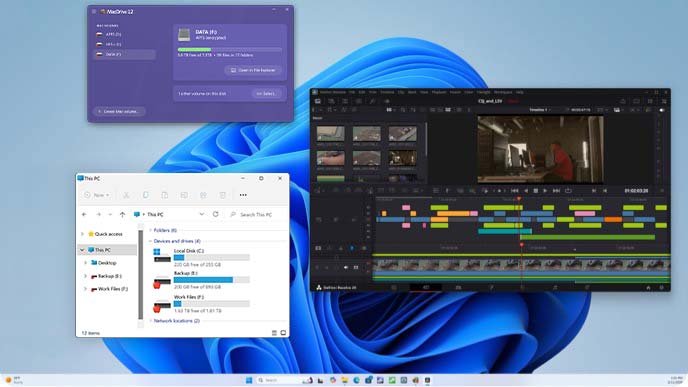
MacDrive 12 Does It All
No apps to launch. No interfaces to learn. Mac drives simply appear in Windows Explorer, ready to use with any application. It's not magic. It's 30 years of engineering excellence making complex technology invisible.

Complete Format Support
Full read/write access to HFS+, APFS, and APFS encrypted volumes. Every Mac format, every time, without exception.

Native Windows Integration
Mac disks appear in Windows Explorer just like native Windows drives. Drag, drop, and work naturally without thinking about the underlying format.

Disk Management Tools
Create, partition, format, and repair* Mac disks directly from Windows. Complete control over your Mac storage from Windows.

Enterprise-Grade Security
The only solution to give you full support for encrypted APFS volumes means your sensitive data stays protected while remaining accessible when you need it.

Professional Performance
Engineered for speed and reliability. Whether you're editing 8K video or managing massive photo libraries, MacDrive delivers the performance professionals demand.

RAID Array Support
Complete support for SoftRAID and Apple RAID configurations. Maintain redundancy and performance without breaking your array.

Advanced APFS Crash Protection
Other Solutions Can't Deliver
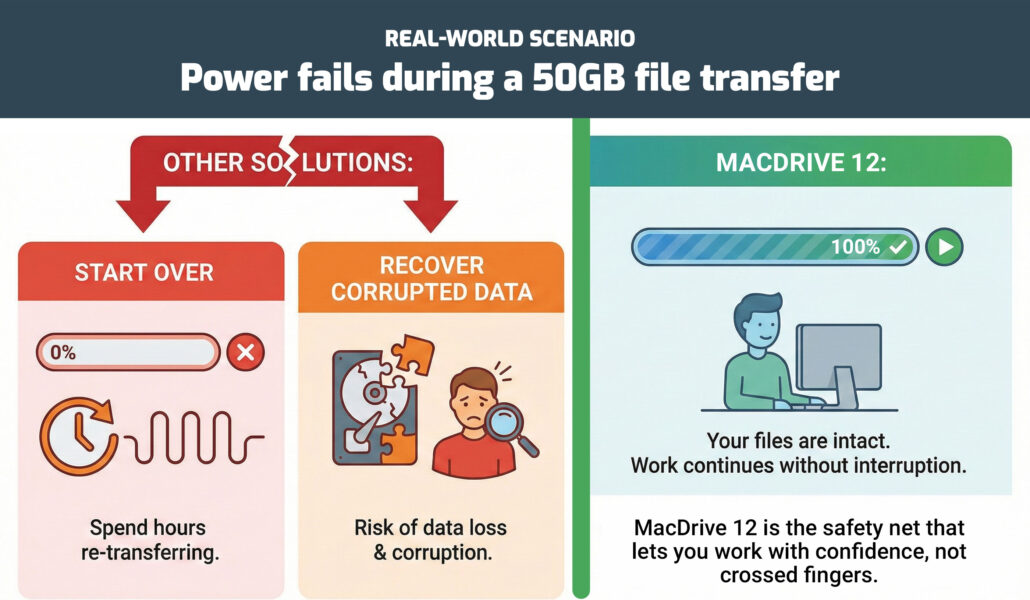
MacDrive 12 is the only Windows solution with complete APFS crash protection. When power fails or systems crash mid-write, APFS ensures your data survives intact. Complete writes succeed while interrupted writes vanish cleanly, preventing corruption and eliminating recovery needs. This isn't just a feature-it's your insurance policy against data loss.

Why MacDrive 12?
The Alternatives Don’t Add Up.
When you need Mac disk access on Windows, you have three options: Buy multiple products, use a compromised "free" solution, or get MacDrive 12. Here's why MacDrive 12 is the only complete answer.
| OWC MacDrive 12 | Paragon Software | exFAT | |
|---|---|---|---|
| HFS+ Support |  Full Full |
 Separate Purchase Required Separate Purchase Required |
None |
| APFS Support | Full |
Separate Purchase Required |
None |
| APFS Encrypted Support | Full |
Separate Purchase Required |
None |
| RAID Support | Yes |
None |
None |
| Crash Protection | Yes |
None |
None |
| Time Machine Snapshots | Full Access |
Limited |
None |
| Disk Health Analysis | Yes |
None |
None |
| Unified Interface | One Interface |
Different Apps |
N/A |
| Single Installation | Yes |
Multiple Installs |
N/A |
| Simplified Licensing | One License |
Multiple Licenses |
N/A |
Switching from Paragon? Get 50% off! Only $29.99
Buy NowThe Hidden Risks of exFAT: What Every Mac and PC User Needs to Know
If you regularly move drives between a Mac and a Windows PC, you’ve probably been through this before. You’ve heard exFAT is the “universal” format that both systems can read and write. So, format your drive, move some files around, and everything seems fine—until it isn’t. A drive gets unplugged at the wrong moment, or a project folder comes back from a Windows edit with broken permissions, or you spend an afternoon trying to figure out why that file simply won’t open correctly.
Read More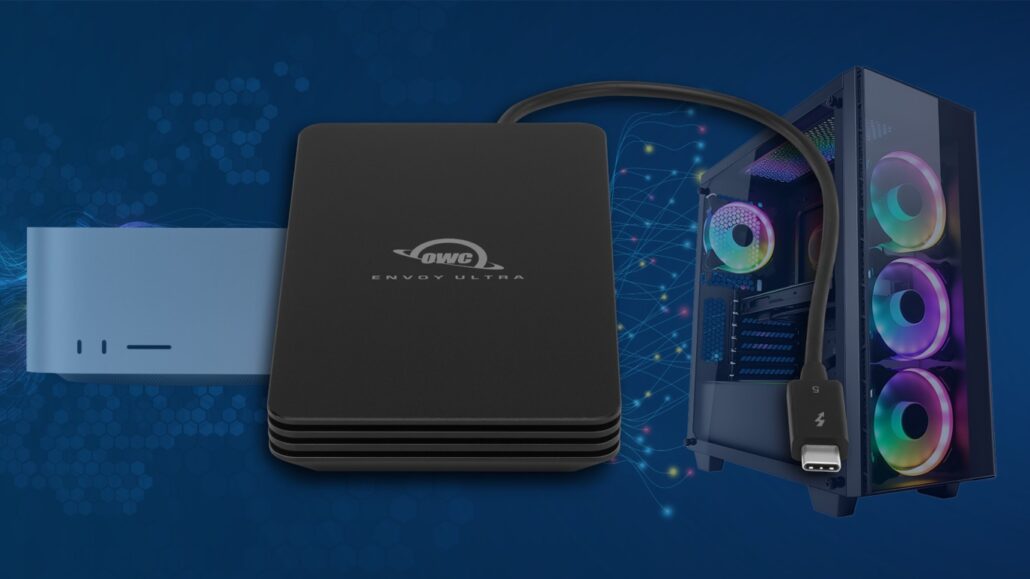
Built for Professionals Who Demand Excellence

Creative Professionals
Video editors, photographers, and designers working in cross-platform environments need reliable access to Mac-formatted drives. MacDrive 12 ensures seamless workflow integration whether you're on set, in the studio, or collaborating with Mac-based teams.

IT Administrators
Manage Mac and Windows systems from a single workstation. Access Mac volumes for troubleshooting, data recovery, or file transfers without maintaining separate hardware. Simplify your support infrastructure.
Data Recovery Specialists
Full support for encrypted APFS volumes means you can access protected data when authorized and professional-grade recovery operations for HFS+ formatted Mac disks.

Production Companies
Offload footage from Mac-formatted SSDs and memory cards directly to your Windows editing stations. No transcoding delays, no compatibility issues, just fast, reliable access to your media assets.

Remote Teams
Collaborate effortlessly across Mac and Windows platforms. Share portable drives between team members without worrying about format compatibility or data corruption.

Business Users
Transition between Mac and Windows systems without losing access to your files. Perfect for organizations running mixed environments or professionals who use both platforms.

30 Years of Mac-Windows Excellence
MacDrive has been the trusted standard for Mac disk access on Windows since 1996. For over 30 years, organizations of every size, from independent creators to Fortune 500 companies, have relied on MacDrive when cross-platform disk access simply cannot fail. That kind of longevity isn't luck. It's the result of decades of refinement, a relentless commitment to compatibility, and software that works exactly as promised every time you plug in a drive.

Battle-Tested Stability
Hundreds of thousands of installations have refined MacDrive into rock-solid software. We've seen it all, fixed it all, and optimized it all for real-world use.

Continuous Innovation
From supporting Apple's first HFS drives to being the first to fully support APFS and APFS encryption, we stay ahead of the curve, so you don't have to worry about compatibility.

Proven Track Record
Trusted by Fortune 500 companies, Hollywood studios, government agencies, and creative professionals worldwide. When reliability matters, they choose MacDrive.
Everything You Need, All Included
- Full read/write access to HFS+ volumes
- Full read/write access to APFS volumes
- Full read/write access for encrypted APFS volumes with password authentication
- Mac disks appear as Windows drive letters in Explorer
- Create, format, and partition Mac disks from Windows
- Repair and verify Mac disk integrity
- Automatic disk mounting and dismounting
- Support for portable drives, SSDs, and Thunderbolt devices
- Optimized for maximum transfer speeds
- Compatible with all major Mac disk formats
- Detailed disk information and diagnostics
- Professional-grade stability and reliability

Universal Compatibility Across All Your Hardware
Whether you're working with the latest Thunderbolt 5 devices pushing 80Gb/s or need to access that old FireWire drive from a decade ago, MacDrive 12 handles them all seamlessly. We support legacy connections for archival work and cutting-edge interfaces for maximum performance. No matter what storage hardware enters your workflow, MacDrive is ready.
Supported Devices
- Traditional Hard Drives (HDD)
- Solid State Drives (SSD)
- Portable External Drives
- Desktop External Drives
- RAID Arrays
- Network Attached Storage (NAS)
- NVMe Drives
- USB Flash Drives
- CD/DVD
Supported Interfaces
- Thunderbolt 5 (latest generation)
- Thunderbolt 4
- Thunderbolt 3
- USB-C (USB4, 3.2, 3.1, 3.0)
- USB-A (3.0, 2.0, 1.1)
- FireWire 800 & 400
- eSATA
- Internal SATA/IDE connections
Simplify Your Workflow Today
Join professionals around the world who trust MacDrive for seamless Mac disk access on Windows. One solution, every format, no compromises.
One-time purchase. Free trial available. Free updates included. 30-day money-back guarantee. Award-winning support.
Frequently Asked Questions
Q: Will MacDrive 12 slow down my Windows PC?
A: No. MacDrive 12 runs in the background using minimal resources. Mac drives perform at native Windows NTFS speeds and as quick as Mac disks on macOS.
Q: Will Q: Can I access encrypted APFS drives? 12 slow down my Windows PC?
A: Yes! MacDrive 12 is the only solution with full encrypted APFS support.
Q: Does this work with Time Machine backups?
A: Absolutely. Browse Time Machine backups and restore individual files directly to Windows.
Q: What if MacDrive 12 doesn't work for me?
A: We offer a fully functional 5-day trial, so you can see MacDrive 12 in action before you purchase. Also, if MacDrive 12 doesn’t perform as advertised we offer a 30-day money-back guarantee, no questions asked.
Q: How is this different from Paragon Software products?
A: One product vs two, more features, better value. See our detailed comparison above.
Q: How is this different from a universal file system like exFAT?
A: MacDrive 12 keeps your drives in native Mac format (APFS/HFS+), so nothing is lost and they work seamlessly on both Mac and Windows, whereas exFAT strips away Mac file permissions, metadata, and crash protection just to achieve basic cross-platform compatibility.
Technical Specifications
Supported Formats
HFS+, APFS, APFS Encrypted
File Systems
All Mac file systems fully supported
Windows Compatibility
Windows 11/10, Windows Server 2025/2022/2019
Installation Size
Minimal footprint, ~50MB
Storage Devices
Internal, USB, Thunderbolt, FireWire, eSATA
Support
Free updates, dedicated support team
*Mac disk repair only available with HFS+ formatted disks.