1. Home
  2. Knowledge Base
  3. Licensing/Serial Numbers
  4. How can I print or download an invoice of my software purchase?

How can I print or download an invoice of my software purchase?

To download a software purchase invoice:

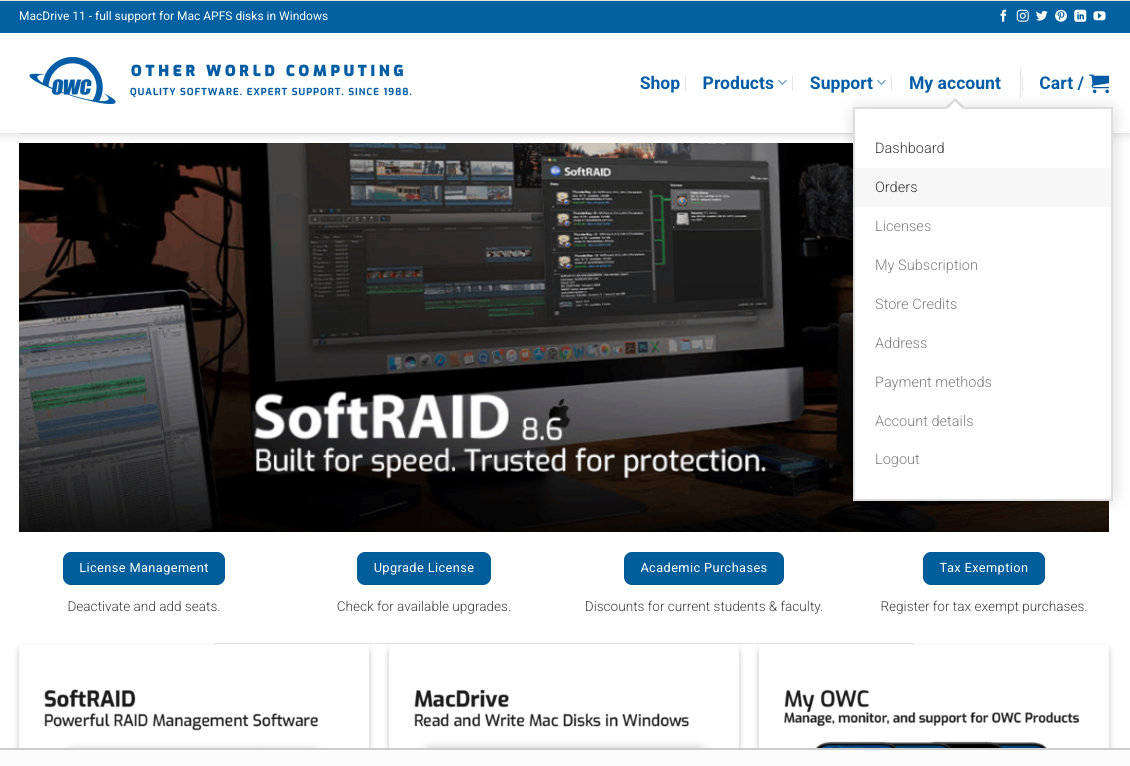
  • Click “My Account” in the top navigation bar
  • Select “Orders”
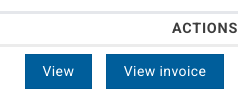
  • Locate your order and click “View Invoice”
  • Click the “Print” button to print or save as a PDF
  • Was this article helpful?

    Related Articles

    Need Support?

    Can't find the answer you're looking for?
    Contact Support
    Do Not Share My Personal Information